🚀 What This Plugin Does
Adds visual indicators (badges) on calendar bookings so staff can immediately understand:
- Booking source (Online / Office)
- Customer type (New Customer)
- Agent request status
This helps teams avoid mistakes and respect customer preferences.
✨ Key Features
📞 Phone Booking Support
When taking a booking over the phone:
- Mark it automatically as an Office booking
- Select if the customer requested a specific agent
👤 Agent Request Protection
If a customer requests a specific agent:
- Booking is clearly marked
- Staff can instantly see the request
- Prevents reassignment or mistakes
🏷️ Smart Calendar Labels
Each booking shows visual badges such as:
- Requested agent (red label / text)
- Online booking (green label / text)
- Office booking (red label / text)
🆕 New Customer Indicator
Quickly identify new clients directly in the calendar.
⚡ No Clicks Needed
All information is visible directly on the booking tile.
No need to:
- Open booking modal
- Check details manually
📍 Where It Appears
Inside:
LatePoint → Calendar
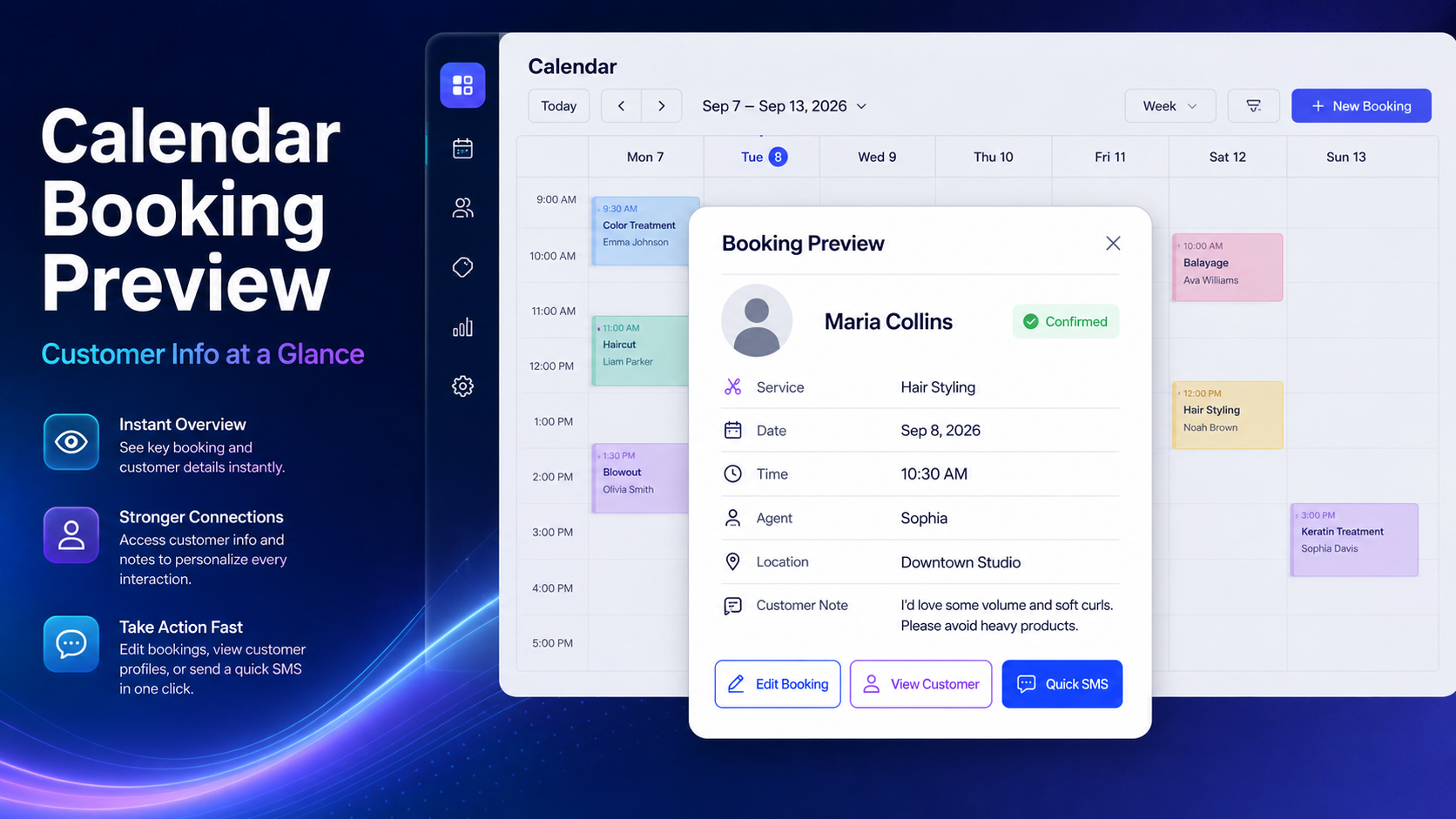
Each booking tile includes:
- Source label (Online / Office)
- Agent request label
- Customer info
⚙️ How It Works
1. During Booking (Admin / Phone)
When creating a booking:
- Select agent
- Enable: “Customer requested this agent”
- Booking is marked accordingly
2. For Online Bookings
Bookings created from frontend:
- Automatically marked as Online booking
- Can optionally be treated as agent-requested
3. In Calendar View
Each booking displays badges:
- 🔴 Requested agent → customer asked for this agent
- 🟢 Online booking → created via website
- 🟠 Office booking → created manually (phone / admin)
4. Staff Awareness
This ensures:
- No accidental reassignment
- Better customer service
- Clear booking context
🎯 Perfect For
- Salons & clinics
- Service businesses with multiple staff
- Receptionists taking phone bookings
- Teams that need strict agent assignment
💡 Result
A smarter calendar where your team instantly knows:
👉 Who booked
👉 How they booked
👉 Who they want
All without opening a single booking.