Add istanlty a booking from the waiting list
Details
How It Works
For Customers
1️⃣ Customer selects service, agent, and date
2️⃣ If no slots are available, a “Join Waiting List” button appears
3️⃣ Customer enters:
- Name
- Phone
- Preferred date range
- Preferred time range (optional)
- Notes (optional)
4️⃣ Customer receives a confirmation email
5️⃣ When a cancellation occurs, they are notified automatically
6️⃣ They can book immediately — or skip and let the next person get notified
Simple. Automatic. Fair.
For Administrators
Manage everything from:
LatePoint → Waiting List
You can:
- View all entries
- See status (Active / Notified / Cancelled)
- Filter by service or agent
- Manually notify customers
- Remove entries
- Track weekly activity
- View new requests in NEW notification icon in header.
Old entries are automatically cleaned up to keep things organized.
✨ What’s New
🕒 Smart Time Validation (NEW)
Preferred time selection is now fully aligned with your real working hours.
- Available times automatically match each day’s schedule
- “To” time must always be later than “From”
- Prevents invalid or impossible time ranges
- Works in both:
- Customer waiting list popup
- Admin (add & edit entries)
- All entries are validated before saving
➡️ Result: Cleaner data, fewer mistakes, better booking accuracy
Key Features
⚡ Smart Auto-Fill (Admin)
Add customers instantly using their phone number
→ Existing customer details are filled automatically
→ No duplicates, no manual typing
✅ Automatic Waiting List Activation
Appears automatically when a day is fully booked
📧 Automatic Email Notifications
Customers are notified instantly when a slot becomes available
🎯 First-Come, First-Served Priority
Fair and transparent notification order
📅 Flexible Date Ranges
Customers choose when they are available
⏰ Preferred Time Windows (Improved)
Now fully validated based on real availability
📊 Built-in Statistics Dashboard
Track:
- Active entries
- Notified customers
- Cancelled entries
- Weekly performance
🔄 Full Cancellation Integration
Every cancellation triggers automatic waiting list checks
👤 Customer Self-Management
Customers can:
- Join the waiting list
- Leave anytime
No admin involvement needed.
Why You Need This
- Recover lost revenue from cancellations
- Increase booking conversion rate
- Improve customer experience
- Reduce empty time slots
- Maximize your schedule efficiency
Perfect For
- Salons
- Clinics
- Consultants
- Fitness studios
- Any high-demand service business

Latepoint - Waiting List
Description
Never Lose a Booking Again
When your schedule is fully booked, customers usually leave.
With Smart Waiting List, they don’t.
This addon lets customers join a waiting list when no time slots are available, and automatically notifies them when a spot opens up.
Turn cancellations into confirmed bookings.
Screenshots
Read comments from clients.
View all waiting list - active and notified
Add languages for your emails. Request a language and we will add it for you.
Send automaticaly an email after request to client.
Notify user about the success of the waiting list enroll.
Easy to book for the waiting list.
All users can view the watiing list information
Get notified for new wating list requests.
Product info
- Platform
- Wordpress, Latepoint
- Compatible Browsers
- All major browsers
- Plugin Ready
- Yes
- Compatible With
- Latepoint
- Software Version
- 5.4.0
- Documentation
- Well Documented
- Latest update
- Apr 4, 2026
Changelog
-
v2.0.13
Apr 4, 2026
- Time selection is now smarter and easier.
- Available times automatically match your real working hours for each day.
- Also, the end time (“To”) must always be later than the start time (“From”).
This works the same in both the customer booking popup and the admin panel (when adding or editing bookings).
- Added a Notification icon in header of latepoint
- All entries are checked before saving to make sure everything is correct.
- Better compatibility with LatePoint Improved admin screens (list, add, edit)
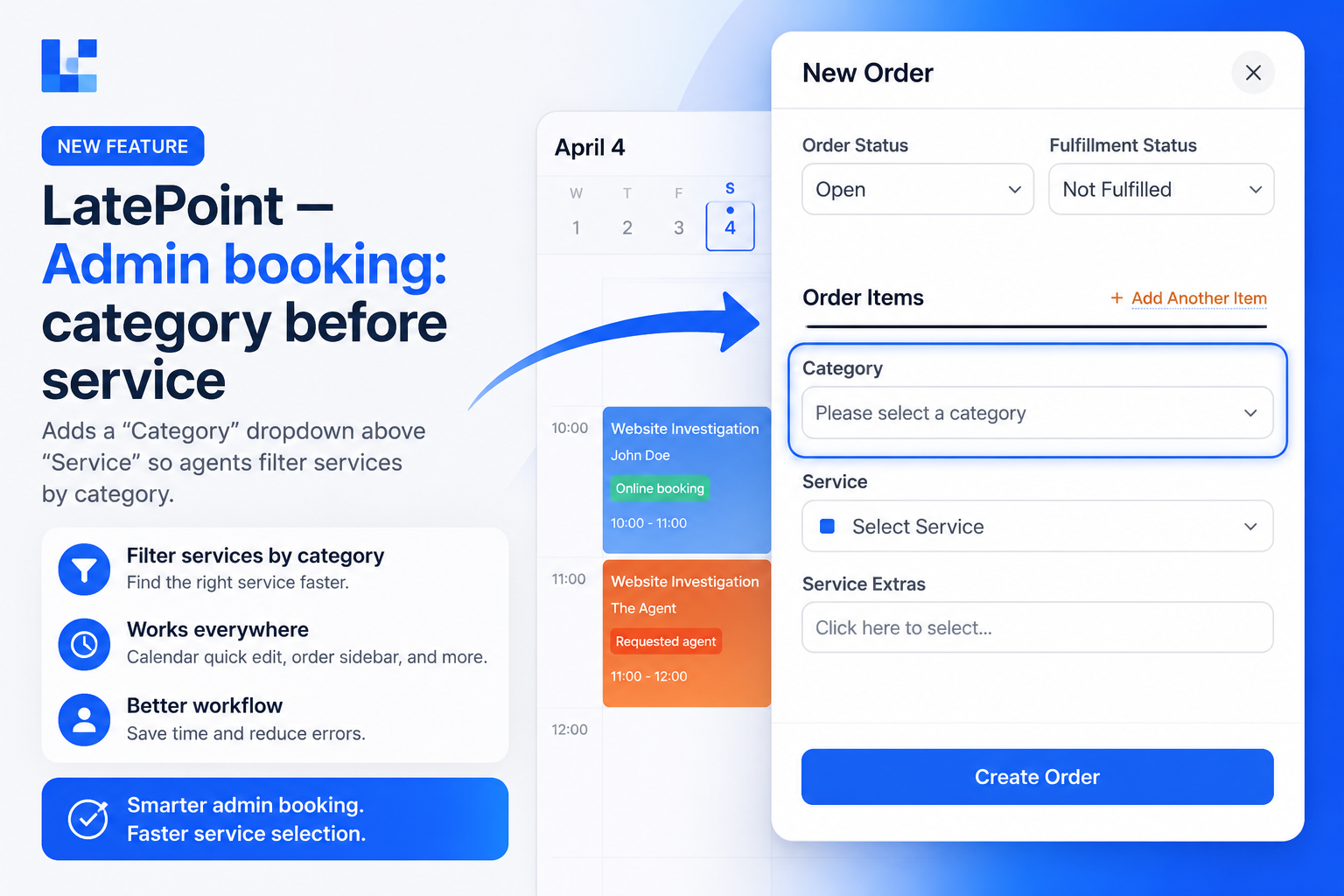
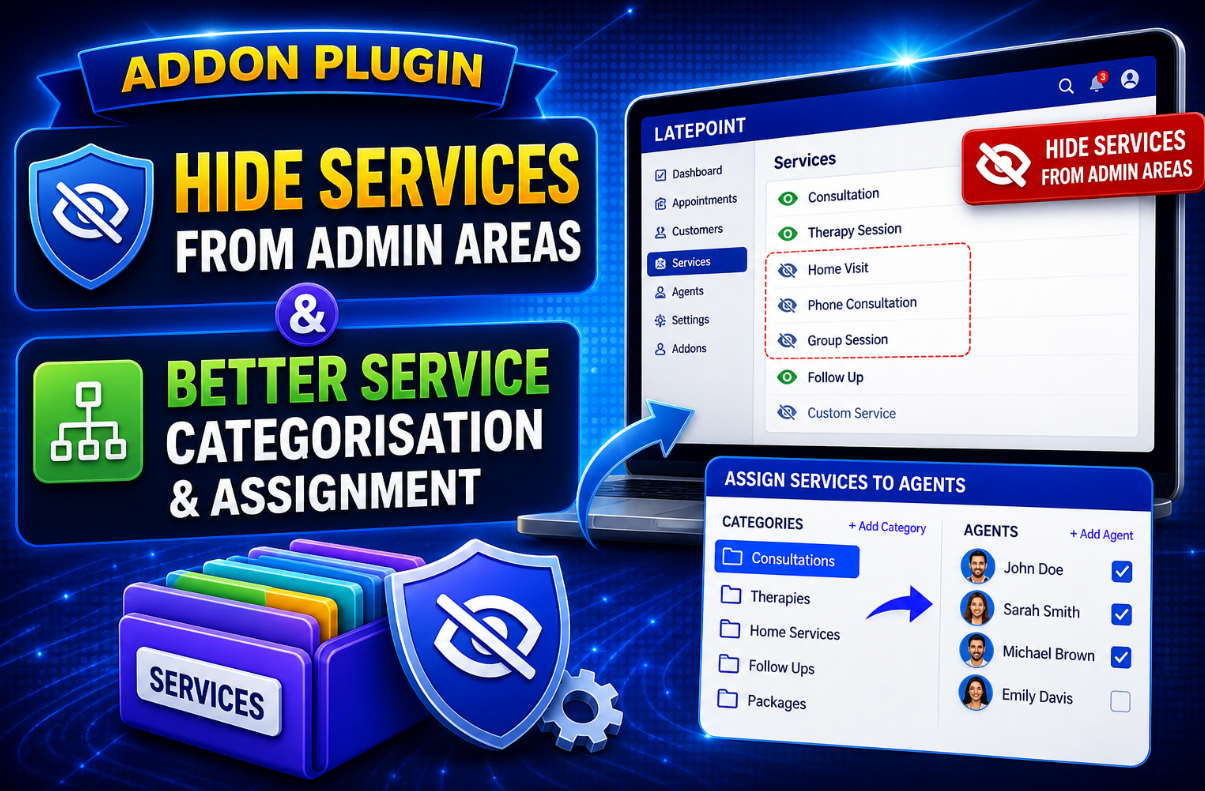
- Support for service categories
- Customer phone number lookup
- Booking step integration
- Notification emails
- Rate limiting
- Small UI improvements and bug fixes -
v2.0.0
Feb 13, 2026
Added Features
🌍 Email Language Selection
Choose the language of the waiting list notification email directly from the settings page.
Send emails to customers in the language that fits your business.
🕒 Customer Waiting List
When no time slots are available, customers can instantly join a waiting list instead of leaving your booking page.
📧 Automatic Notifications
Customers receive automatic email alerts as soon as a suitable slot becomes available due to cancellation.
🛠 Full Admin Management
Access a complete waiting list management interface inside LatePoint:
View all entries
Filter by service or agent
Manually notify customers
Remove or manage entries
📊 Built-In Statistics
Track waiting list performance:
Active entries
Notified customers
Cancelled entries
Overall activity
🔗 Seamless LatePoint Integration
Fully integrated into LatePoint’s booking flow.
No core file modifications.
Works naturally with your existing setup.
- Added Alaena Dashboard
1 year of free updates included with every purchase.